

Unlock the Power of Copilot with Microsoft 365 Apps
Four Virtual Courses. One Powerful Skill Set

Imagine having an extra pair of hands to help you work faster, smarter and more confidently? With Microsoft Copilot, you can! From analysing data in Excel and drafting reports in Word to creating presentations, refining emails, comparing documents and generating content, Copilot helps you complete tasks in seconds.
But the real power comes from combining Copilot with strong Microsoft 365 skills. Knowing how and when to use SharePoint, OneDrive, Teams, Excel, Word, PowerPoint and Outlook enables you to turn AI-generated ideas into professional, high-impact results.
Don’t just use Copilot. Make it work for you
Whether you’re using Copilot Basic or the full Copilot licence, our Virtual Copilot Courses will show you how to get the most from Microsoft 365 and AI. Learn practical skills, save time, boost productivity and unlock the full value of the tools you already have. Good IT skills will give you the edge. Take a look at our popular virtual courses.
M365 Copilot Pro – Full Day Virtual Course
Unlock the full potential of Microsoft Copilot with this hands-on, full-day course. Learn how Copilot integrates across Microsoft 365 to boost productivity, streamline content creation and enhance data analysis. Through practical exercises in Teams, Word, Outlook, Excel, OneDrive and PowerPoint, you’ll gain the skills to create effective prompts, leverage Work IQ and confidently use Copilot in everyday tasks. A Microsoft Copilot Pro licence is required. Course Outline here.
M365 Copilot Pro – Half Day – Fast Track Virtual Course
If you are already using Copilot Pro, but not maximising its full potential, then transform the way you work with our Microsoft Copilot Fast Track Course. This half-day course demonstrates how to maximise your Copilot Pro licence across Microsoft 365 apps, helping you save time, create content faster and gain insights from your data and documents. Learn practical techniques, build reusable prompts and discover how Work IQ can enhance your productivity. A Microsoft Copilot Pro licence is required. Course Outline here.
M365 Copilot Basic – Half Day Virtual Course
Discover how to get more from Microsoft 365 with Copilot Basic (which is the free version that comes with your Microsoft 365 licence). This half-day virtual workshop provides a comprehensive demonstration and practical overview of Copilot’s capabilities across Teams, Word, Outlook, Excel, SharePoint, OneDrive and PowerPoint, helping you work smarter and save time. No Copilot Pro licence required. Course Outline Here.
Driving Efficiencies with Microsoft 365 with Copilot – Full Day Virtual Course

This interactive full-day course provides a practical overview of how Microsoft 365 apps work together across the cloud and desktop. Delegates will learn how to access Microsoft 365 accounts, store and manage files in OneDrive and SharePoint and use features such as permissions, sharing, version control and document check-in/check-out. This course also introduces Copilot Basic, demonstrating how it integrates with Microsoft 365 apps to enhance productivity and streamline everyday tasks. No Copilot Pro licence required. Course Outline Here.
With Bite Size, you get more than just a Virtual Course
With Bite Size the learning doesn’t stop when the session ends. We’re committed to helping you embed new skills into your daily work, ensuring you continue to benefit from Copilot long after the virtual training has finished. That’s why every delegate receives a comprehensive package of follow-on support, including:
- Session Recording – revisit key concepts and demonstrations at any time with access to the course recording for one month after the training.
- One month’s access to the Bite Size eLearning Library – continue learning with unlimited access to our online learning platform, featuring over 50 courses, tests and games. This includes our CPD Certified Copilot eLearning Course, interactive knowledge checks, a Copilot learning game and additional AI-focused personal development courses.
- Quick Reference Cards – practical, easy-to-use guides that reinforce learning, provide useful prompts and help users apply Copilot effectively in their day-to-day work.
- Instant Delegate Feedback – immediate feedback collection helps us capture insights, measure engagement and ensure delegates are getting maximum value from the training.
Training That Delivers Lasting Results
Many virtual courses end when the session closes. Bite Size goes further. We provide the resources, reinforcement and ongoing support needed to turn learning into action, helping users adopt Copilot with confidence and maximise the return on your Microsoft 365 investment. Whether you’re looking to kick-start adoption, boost productivity, or ensure your Microsoft 365 investment delivers tangible results, Bite Size can support your journey every step of the way.
Get in touch today to discuss your requirements and discover how Bite Size can help your organisation make Copilot part of everyday work.
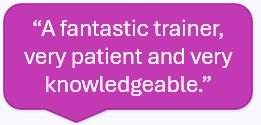
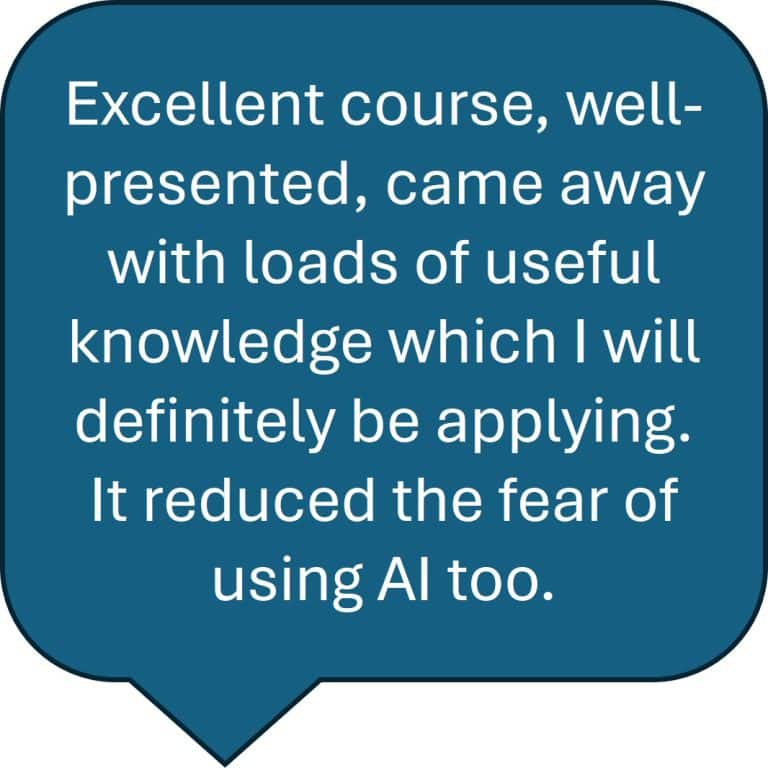
See the reactions from some of our recent delegates – Read the Testimonials.
See how we have helped other organisations in raising skill levels in a digital world – Read our Case Studies
